
Work Hour Monitor vs Hubstaff
Compare time tracking and productivity visibility options before choosing a platform.
WHM is built for clear team visibility
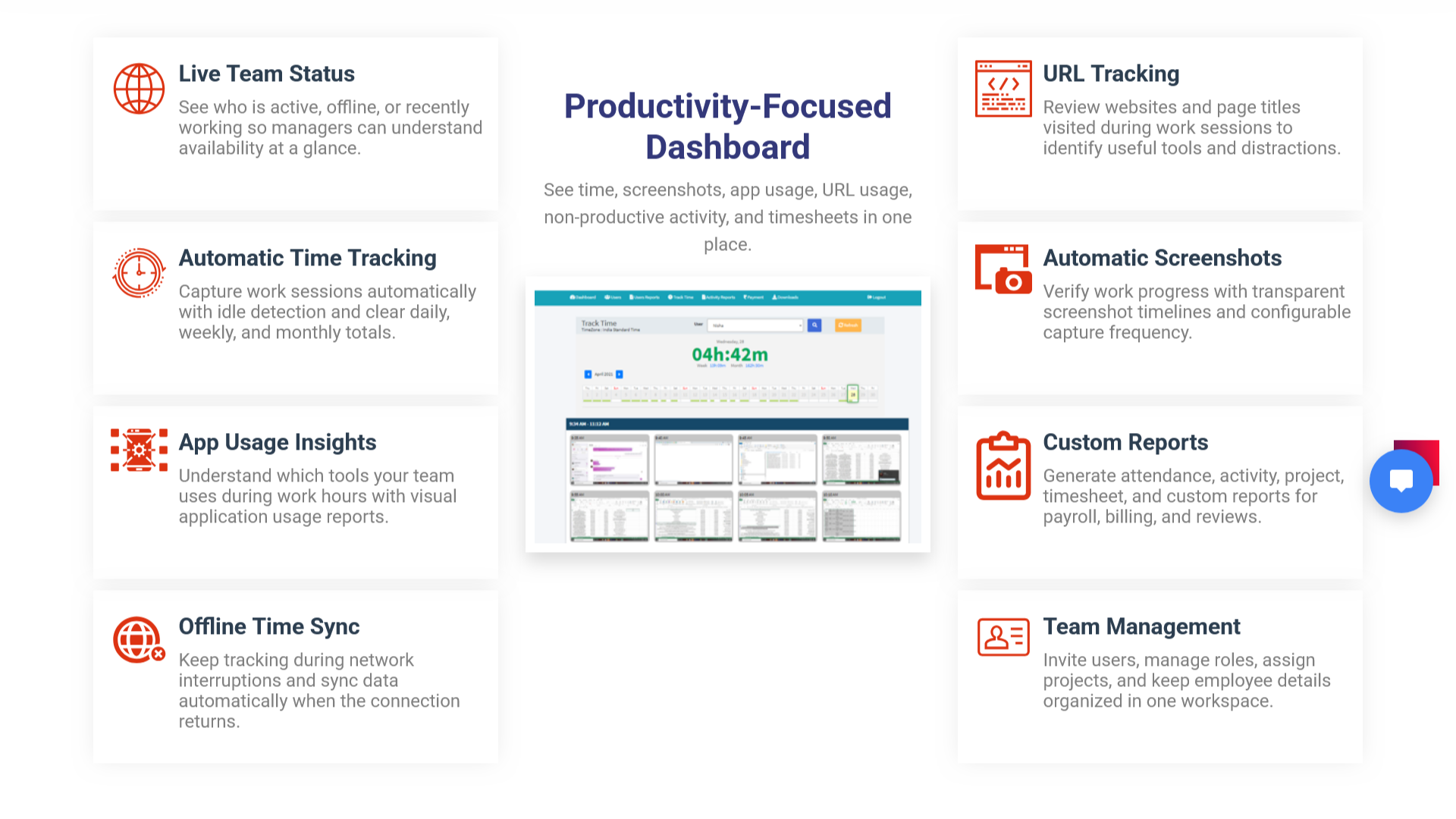
Use WHM when your team needs work-hour tracking, screenshots, app and website reports, attendance, offline time, project effort, and custom reporting with straightforward pricing and setup.
Time & Attendance
Track work hours, attendance, idle periods, and offline time.
Activity Proof
Review screenshot timelines with app and website context.
Project Reports
Understand project hours and team effort for billing and delivery.
WHM vs Hubstaff: What to Compare
| Evaluation area | WHM fit | What buyers should verify |
|---|---|---|
| Time tracking | Work hours, attendance, idle time, offline time, and dashboard totals. | Match tracking behavior with your team policy and locations. |
| Screenshots | Screenshot timeline with time, app, URL, and activity context. | Confirm screenshot frequency, review access, and employee communication policy. |
| Projects | Project assignment and project reports for delivery and billing review. | Compare project reporting depth with your billing workflow. |
| Deployment | Cloud product with on-premise discussion available for stricter needs. | Review data control, access, and compliance requirements before rollout. |
Comparison FAQs
Is WHM a Hubstaff alternative?
WHM can be considered by teams comparing time tracking, screenshots, app and URL usage, attendance, and project reports.
What should I compare before choosing?
Compare required tracking features, reporting needs, employee communication, deployment preferences, pricing, and support expectations.