
Employee Monitoring Data Retention Guide
Plan how long your company should keep work-hour, screenshot, app, URL, attendance, and project data.
Retention should match business need
Different companies need different retention windows for payroll, billing, compliance, audits, and productivity review. Use this page as a planning guide and configure operational processes according to your internal policy and legal requirements.
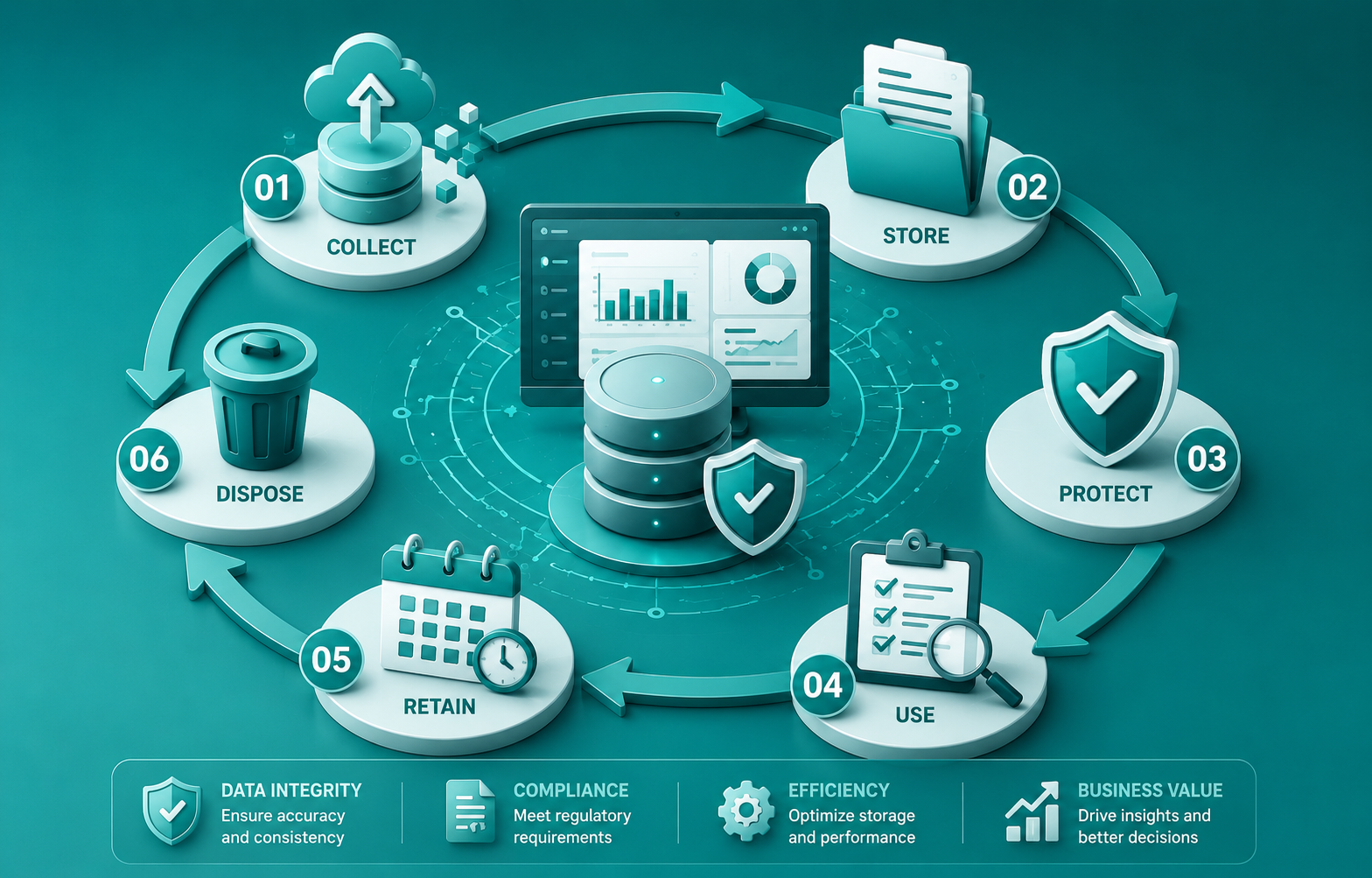
Operational Data
Keep time, attendance, and project reports long enough for payroll and billing review.
Screenshot Data
Define a clear review and retention process for screenshots and activity evidence.
Access Reviews
Review who can access monitoring reports and export data inside your company.
Build retention around business purpose
Not every data type needs to be kept for the same length of time. Time and attendance records may support payroll, while screenshots may only be needed for short-term review. The right retention approach depends on your business, client agreements, and compliance requirements.
Data types to classify
- Work-hour, attendance, idle, and offline time records.
- Screenshot timeline and image data.
- Application and website usage reports.
- Project, timesheet, custom report, and export records.
Questions to answer internally
- Who needs access to each report type?
- How long is each data type useful for payroll, billing, or audits?
- When should screenshots be reviewed or removed?
- How will employees be informed about retention practices?
Data Retention FAQs
How long should monitoring data be retained?
Retention should match your payroll, billing, compliance, audit, and operational review needs. Confirm final policy with your internal legal or compliance team.
Should screenshot retention be defined separately?
Yes. Screenshots can contain sensitive work context, so companies should define access, review, and retention rules clearly.